To join a private server on Roblox, open the game's page, go to the Servers tab and look in the Private Servers section. Join a server a friend owns or that you have been invited to, or create your own if the game allows it. You can also join through a private server link shared by the owner. Many games offer private servers for free or a small amount of Robux.
Private servers, sometimes called VIP servers, are game servers that only invited players can join. They are perfect for playing with friends without strangers, practising in peace, recording videos or farming without competition. Many popular Roblox games support private servers, and some even offer them for free.
This guide explains how to join a private server, how to create your own and how links work.
How private servers work
A private server is owned by one player. The owner decides who can join, either by adding friends or by sharing a special link. Private servers usually cost Robux per month, although the price depends on the game, and some games make them free. When the owner stops paying, the server stops. Only players with access can join, which keeps the server quiet and friendly.
How to join a private server: step by step
- Open Roblox on the website or app.
- Go to the game’s page.
- Open the Servers tab.
- Scroll to the Private Servers section.
- Look for servers owned by friends or servers you have been invited to.
- Click Join next to the server you want.
- If you have a private server link, open it while logged in to join directly.
- Wait for the game to load. You will be in the private server with the other invited players.
How to create your own private server
- Open the game’s page and go to the Servers tab.
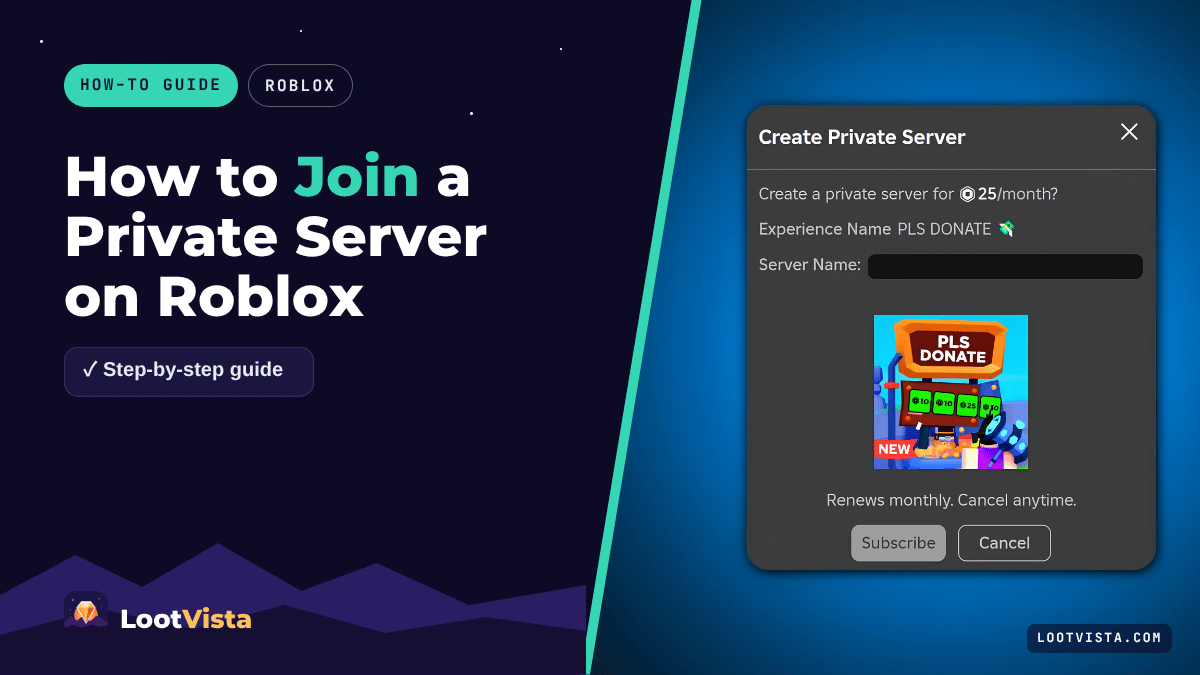
- Find the Private Servers section and click Create Private Server.
- Give the server a name.
- Check the price. It may be free or cost some Robux per month.
- Confirm the purchase if needed.
- Open the server settings to add friends or create an invite link.
- Share the link only with people you trust.
Using private server links
Many players share private servers with links. When you open a link while logged in, Roblox lets you join that server. Link sharing is common for clan servers, trading servers and community events. Only open links from people you trust, because fake links can lead to scam websites. A real private server link opens the Roblox game page, not a strange website.
Why use a private server?
- Play only with friends.
- Farm resources without other players taking them.
- Record videos or take screenshots without strangers.
- Practise skills in peace.
- Host events for your group or community.
Private server settings
The owner can manage the server in its settings. Options usually include adding or removing friends, creating or disabling the invite link and turning the server off. If a link gets shared too widely, the owner can generate a new one. Some games also add their own private server commands, such as changing the weather or spawning events.
Free private servers
Some games, especially newer or popular ones, offer free private servers. If you see a price of zero Robux, you can create one at no cost. Free servers still work the same way, so they are a great option for playing with friends.
Common problems
If you cannot see a friend’s server, they may not have added you or the link may have changed. Ask them to check the settings. If a server will not load, it may be full or the owner may have turned it off. Some games do not allow private servers at all, so you will not see the section on their page.
Staying safe
Private servers are safer than public ones because you choose who joins, but stay careful. Do not share your server link publicly if you only want friends inside. Never click links that ask you to log in on a website other than Roblox. If someone in your private server behaves badly, the owner can remove them.
Private servers for groups and clans
Many communities use private servers as a home base. A clan might keep one server for practice, while a trading group uses one for safe trades among members. If you run a group, consider buying a private server for your most popular game and sharing the link only inside the group. Change the link whenever it leaks outside the group so the server stays private. This gives your members a quiet place to play together without random players joining.
Some owners also schedule events, such as weekly game nights, in their private server. Announce the time in your group so everyone knows when to join.
Final thoughts
Joining a private server on Roblox is easy. Open the game, go to the Servers tab and join from the Private Servers section, or use a trusted link. If you want your own, create one and share it with friends. For more Roblox help, read our guide on how to make a Roblox group.
Keep reading
- How to Change Your Roblox Display Name
- How to Make a Roblox Group
- How to Make a Shirt on Roblox
- How to Check Your Roblox Purchase History
- How to Make Your Roblox Avatar Look Good for Free
Keep reading: How to Make Your Roblox Avatar Look Good for Free and How to Get Fire Crystals in Whiteout Survival.
Frequently asked questions
Are Roblox private servers free?
Some are free, depending on the game. Others cost a small amount of Robux per month.
How do I join a friend's private server?
Ask them to add you or send their private server link, then join from the Servers tab or the link.
Why can't I see the Private Servers section?
Some games do not support private servers, so the section does not appear.
Can the owner remove players?
Yes. The owner can manage who has access in the server settings.
Do private servers last forever?
No. Paid private servers renew monthly, and the server stops if the owner cancels.
Can I join a private server without being friends?
Yes, if the owner shares a private server link with you, you can join through it while logged in.
Are private server links safe?
Real links open the Roblox game page. Never use links that ask you to log in on another site.

Muhammad Bilal is the founder and lead editor of LootVista. He plays Roblox and mobile games every day, checks each code in-game before it is published, and writes the site's step-by-step guides for players and parents. When a code expires or a game changes, he updates the article the same day. Read our editorial policy.