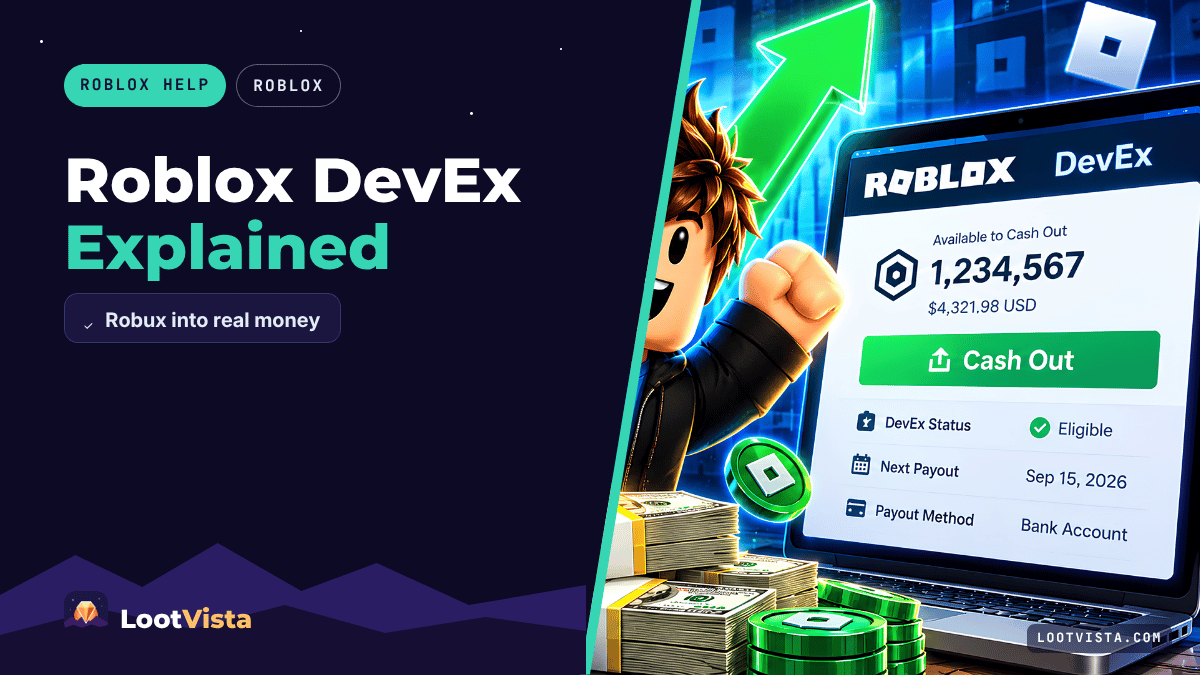
The Developer Exchange (DevEx) program lets eligible creators exchange Robux earned from their games and items for real money. Bought or gifted Robux do not count. You need to meet Roblox's age, account and minimum-balance requirements and complete payment and tax forms in the Creator Hub.
The Developer Exchange program, usually called DevEx, lets Roblox creators exchange Robux they have earned for real money. It is how successful game developers and item creators turn their work into income. Here is how it works.
For official answers, see the Roblox Help Center.
What counts as earned Robux?
Only Robux you earn from your creations count, such as sales of game passes, developer products, avatar items and Premium payouts. Robux you bought, received from Premium stipends or got as gifts cannot be exchanged.
Basic requirements
- You must meet the minimum age set by Roblox for the program.
- You need a verified email address and an account in good standing.
- You must have at least the minimum amount of earned Robux that Roblox requires for a cash-out.
- You need to complete the required tax and payment information through the official process.
Requirements and exchange rates can change, so always check the official Developer Exchange page in the Roblox Creator Hub before you apply.
How to apply
- Open the Creator Hub and find the DevEx section.
- Check that your earned Robux balance meets the minimum.
- Submit a cash-out request and complete the payment and tax forms.
- Wait for Roblox to review and process the request.
Tips for new creators
- Start small. Make a simple game and learn what players enjoy.
- Add fair game passes that improve fun without forcing players to pay.
- Update often, because active games keep players coming back.
- Track your analytics in the Creator Hub to see what works.
Common questions from new creators
Many new creators wonder how long it takes to reach the DevEx minimum. It depends entirely on how popular your games or items are. Some creators reach it in months, while many never do. Treat DevEx as a long-term goal and focus first on making something fun that players return to.
Ways creators earn Robux
Only Robux you earn as a creator count towards DevEx. The main ways to earn are:
- Game passes: one-time purchases that unlock permanent perks in your game.
- Developer products: items players can buy many times, such as in-game currency or boosts.
- Premium Payouts: Roblox pays creators based on how much time Premium members spend in their games.
- Avatar items: approved creators can sell clothing and accessories in the Marketplace.
Building a game that earns
Most successful creators start small. Build a simple game in Roblox Studio, release it, watch how players behave, and improve it with regular updates. Fair monetisation, such as cosmetic items and optional boosts, keeps players happier than paywalls. If you are new to building, start with our Roblox Studio beginner guide.
Taxes, payments and timing
DevEx payments are real income, so creators may need to report them for tax purposes depending on where they live. Payments take time to process after a request is approved, so plan ahead rather than counting on cash arriving quickly. Always check the current exchange rate and rules on Roblox’s official DevEx pages, because Roblox updates them from time to time.
Watch out for DevEx scams
Nobody can “speed up” your DevEx request or convert Robux to cash for you outside the official programme. Offers like these are scams and can get your account banned. Learn the warning signs in our guide to free Robux scams, and read how to get Robux the legit way.
Mistakes to avoid
- Using Robux bought with real money as if it were earned. It is not eligible.
- Breaking Roblox rules to grow faster. Accounts that break the rules can lose access to programs.
- Ignoring taxes. Earnings may be taxable where you live, so keep records.
Keep reading: How to Fix Roblox Lag and How to Redeem a Roblox Gift Card.
Frequently asked questions
Can I exchange Robux I bought?
No. Only Robux earned from your creations can be exchanged through DevEx.
How long does DevEx take?
Processing time varies. Roblox reviews each request before paying out.
How much is Robux worth through DevEx?
The exchange rate is set by Roblox and can change. Check the official DevEx page for the current rate before you apply.
Can I cash out Robux I bought?
No. Only Robux earned as a creator from your games and items can be exchanged. Purchased Robux cannot be cashed out.
Do I need to be 13 to use DevEx?
Yes. You must meet the minimum age and the other eligibility rules listed in the official Roblox DevEx terms.

Muhammad Bilal is the founder and lead editor of LootVista. He plays Roblox and mobile games every day, checks each code in-game before it is published, and writes the site's step-by-step guides for players and parents. When a code expires or a game changes, he updates the article the same day. Read our editorial policy.